Sent, then stale.
A forwarded PDF creates another copy, another version, and another place for questions to disappear.
No current-state recordGive directors, observers and counsel one current board room instead of a forwarded PDF and a Drive link that's already out of date by the next meeting.

An email thread buries the agenda under three replies and a calendar invite. RoundOS gives you one board room, structured the way a director works through a pack: agenda first, then the materials each resolution depends on.
Agenda opens first, followed by the deck, financials, and prior minutes.
Resolutions and supporting papers sit in their own section, not loose in an email.
Every document carries the version directors are meant to read.

A revised financial model gets forwarded to some directors and missed by others. Replace it inside RoundOS and the same room link opens the current version while the version history remains intact.
Create the recipient groups your board process needs, then choose which sections each group can open. Directors, observers and counsel are examples of group names. The access rules come from the room.
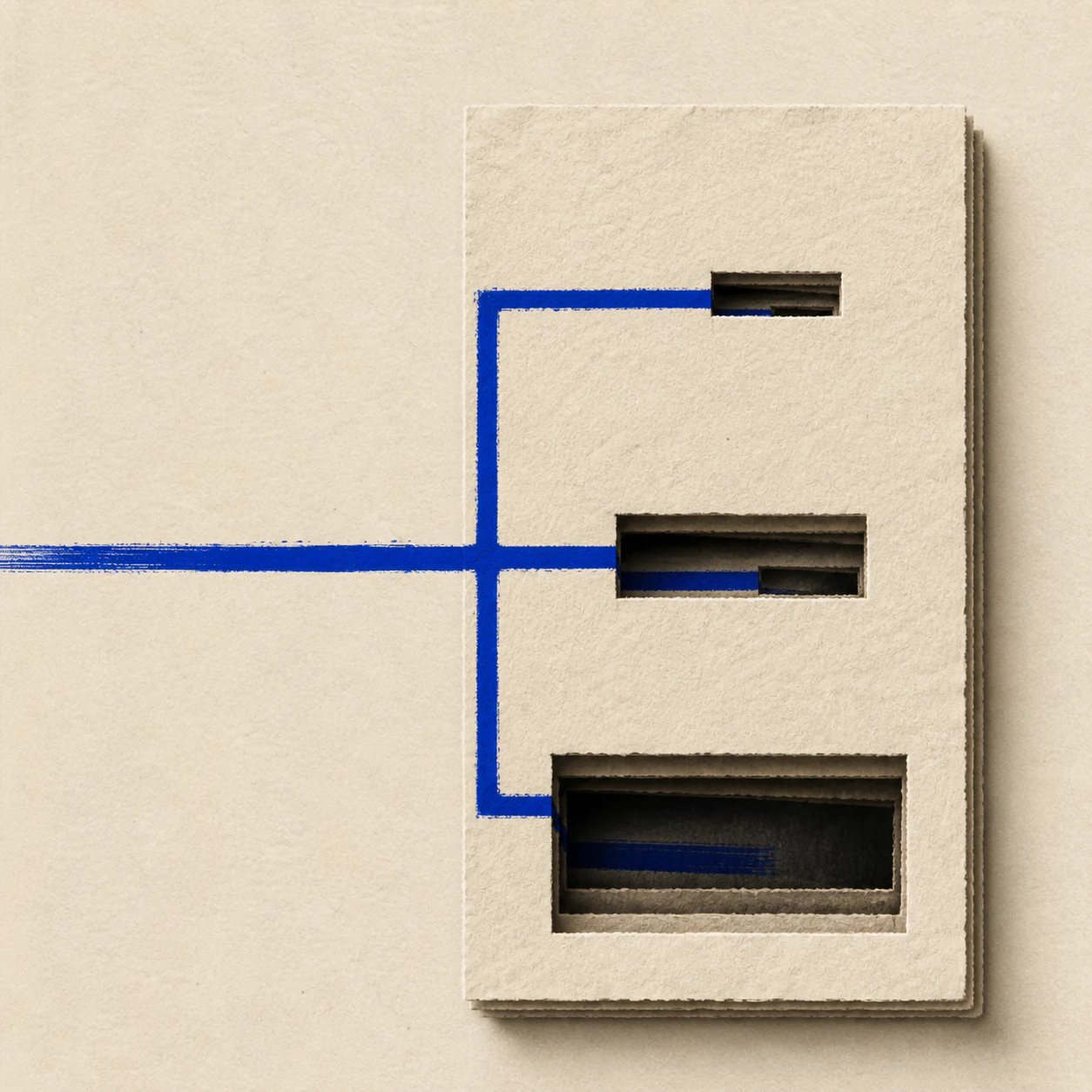
Directors
The whole board pack.
Observers
Only cleared sections.
Counsel
Only the review scope.
Each director opens a branded link on a laptop or phone, with no app to install. The same link stays useful after every update because the room controls the current version.
A tracked link shows which director opened the financials and who has not returned. Questions stay attached to the relevant material instead of scattering across side emails.
“Does this approval replace the prior resolution?”
Email sends copies. Drive stores files. RoundOS keeps structure, scoped access, versions, named opens and document questions in one current board room.
A forwarded PDF creates another copy, another version, and another place for questions to disappear.
No current-state recordA director and an observer inherit the same folder view unless you maintain separate exports and links.
No scoped board viewOrdered sections, scoped access, current versions, named opens and document questions stay together.
One live recordEmail has no version control, and a flat folder does not give different recipient groups different section visibility. A RoundOS board room keeps one current pack, scoped access, named activity and questions in one place.
Yes. Create access groups, add recipients, and choose which room sections each group can open. Groups can be named for whatever roles your process uses.
Yes. Tracking links show who opened the room and which materials they viewed, so you can see who has engaged before the meeting.
No app is required. A director opens the room link and completes any gate you configured, such as email verification, before viewing the pack.
Add the new version to the material. Links that use the latest version continue to open the current file while prior versions remain in history.
Yes. Put them in their own access group and expose only the room sections their review requires.

Build the index, set group access, and send one room link.